
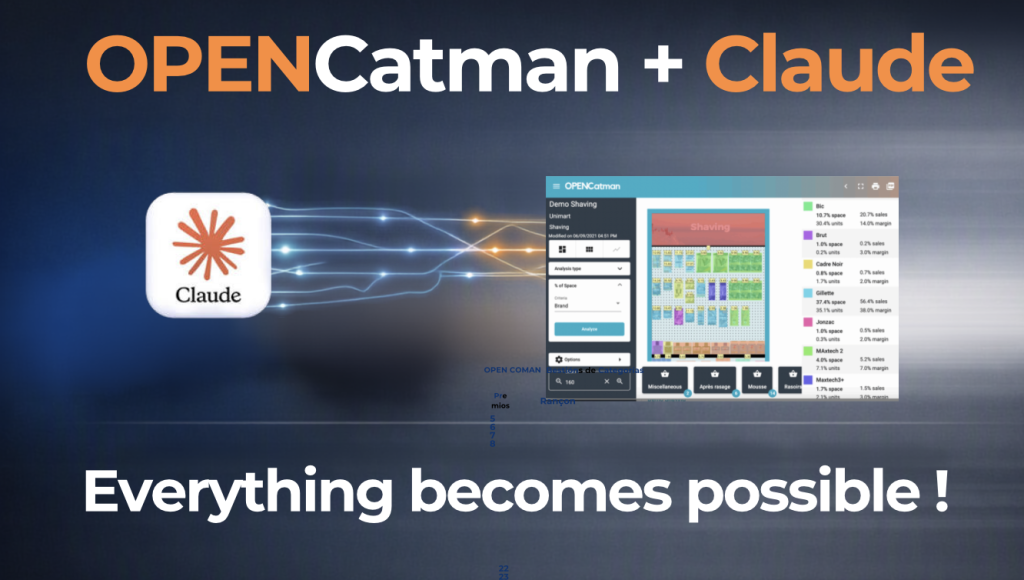
You can now connect Claude and ChatGPT directly to your OPENCatman account and ask them to work on your real projects: check your planograms, analyze sales, or build a complete layout from a photo of the shelf. This guide takes you from zero to your first question in under 5 minutes.
What do you get out of it?
Instead of navigating menus, you talk to the AI in plain language and it does the work inside your account: it searches products, checks a planogram’s space usage, builds a new layout, or explains what’s going on with your sales. You stay in control: the AI shows you what it’s about to do before changing anything in your project.
Connect Claude in 3 steps
- Go to claude.ai, then Settings → Connectors → Add custom connector.
- Give it a name (e.g. “OPENCatman”) and paste this URL:
https://www.opencatman.com/corporate-api/mcp - Click Connect, sign in with your OPENCatman account, and authorize access.
Want the full walkthrough, with step-by-step screenshots and advanced examples? Check out our complete MCP connector guide.
Connect ChatGPT in 3 steps
- In ChatGPT, go to Settings → Apps & Connectors → Advanced settings and turn on Developer mode (available on Plus, Pro, Business, Enterprise, and Edu plans).
- Go to Settings → Connectors → Create. Give it a name (e.g. “OPENCatman”), paste the same URL
https://www.opencatman.com/corporate-api/mcp, and choose OAuth authentication. - Follow the authorization link, sign in with your OPENCatman account, and confirm access. Then enable it from the tools menu in chat.
The exact availability of “Connectors” and “Developer mode” can vary depending on your plan and ChatGPT version. If you don’t see this option, check OpenAI’s help center.
Your first steps: examples to try
Once connected, just type in the chat. Some simple examples to get started:
- “Show me my projects in OPENCatman.”
- “How many products are on my [category] planogram?”
- “Using this photo of the shelf, build a planogram with these products.” (attach an image)
- “Which products have less space than their sales justify?”
- “Optimize this planogram’s space using my sales KPIs.”
The AI will ask any questions it needs and show you what it’s about to change before applying anything to your project.
OPENCatman+IA, tout devient possible !